Best Tools for WhatsApp Abandoned Cart Messages for Small Ecommerce Teams in 2026
Your team is losing sales after checkout, and WhatsApp is where those carts get recovered. Many platforms make small teams pay for enterprise complexity, so switching usually starts with one question: which tool fits a lean operation?
This article breaks down what matters in WhatsApp abandoned cart tools for small ecommerce teams, from automation and integrations to pricing fit. You will get a clear comparison of eight options, including Com.bot, plus practical criteria and a final verdict to help you choose.
What to Look For in WhatsApp Abandoned Cart Tools for Small Ecommerce Teams
Small ecommerce teams evaluating WhatsApp abandoned cart tools in 2026 need to prioritize automation depth, native integrations, and pricing that scales with order volume rather than seat count.
That framing matters because a two-person store and a fifty-person retail operation have almost nothing in common when it comes to recovery software. A small team usually wears every hat: marketing, support, fulfillment, and the occasional late-night bug fix. The tool has to work without a developer on standby.
Three constraints shape almost every decision. Limited technical resources mean setup should be possible through a dashboard, not a codebase. Tight budgets mean a free tier or a low entry price matters more than an enterprise feature list. And speed of launch means the first recovered cart should be possible within days, not quarters.
There is also a compliance layer that small teams often underestimate. WhatsApp Business API messaging depends on approved templates, opt-in compliance, and an understanding of how the 24-hour customer service window affects what you can send and when. A tool that handles template categorization for you, separating utility messages from marketing messages, removes a real source of friction.
Finally, consider what happens after a cart is recovered. A tool that only fires one reminder is a notification system. A tool that supports multi-step sequences, dynamic variables, and conversational follow-up is a recovery system. The criteria below are designed to help you tell the difference before you commit.
Key Features: Automation, Integrations, and Pricing Fit
When comparing WhatsApp abandoned cart tools, focus on three pillars: automation capabilities (such as trigger-based sequences and dynamic message personalization), integration breadth (native connectors for ecommerce platforms), and pricing models that align with small-team budgets.
Use the checklist below to score each option on a simple scale. The goal is not to find the longest feature list, but the shortest path from installation to a working recovery flow.
Automation depth
- Does it support multi-step sequences with delays, or only a single reminder?
- Can you trigger messages on cart abandonment, checkout initiation, or a browse event?
- Are dynamic variables available for customer name, product name, and cart value?
- Does it support product images and cart links inside the message?
- Can you insert checkout recovery links, discount codes, or urgency triggers without editing code?
- Are message templates pre-built and pre-categorized, or do you write them from scratch?
Integration breadth
- Is there a native Shopify integration, or does it require Zapier as a bridge?
- Is there a WooCommerce plugin, BigCommerce connector, or Magento extension?
- Does it cover Wix ecommerce, Squarespace commerce, and Etsy sellers?
- How much manual mapping is needed to pass cart data into the message?
- Does the connection survive theme changes and plugin updates?
Pricing fit
- Is pricing based on messages, contacts, or seats?
- Do you pay for every contact, or only for conversations started?
- Are WhatsApp conversation charges passed through transparently?
- Is there a free tier or trial period long enough to test a real sequence?
- Does the entry plan include the automations you actually need, or are they locked behind a higher tier?
Two more checks are worth adding. First, opt-in compliance: the tool should make consent collection straightforward and keep records you can point to. Second, reporting: you want to see which step in a sequence recovers carts, not just a single revenue total. Reviewing step-level data tends to help teams improve their flows faster than watching one aggregate number.
Score each tool against these items, weight the ones your team cannot live without, and let the comparison reflect your store rather than a generic benchmark.
1. Com.bot - Best Overall
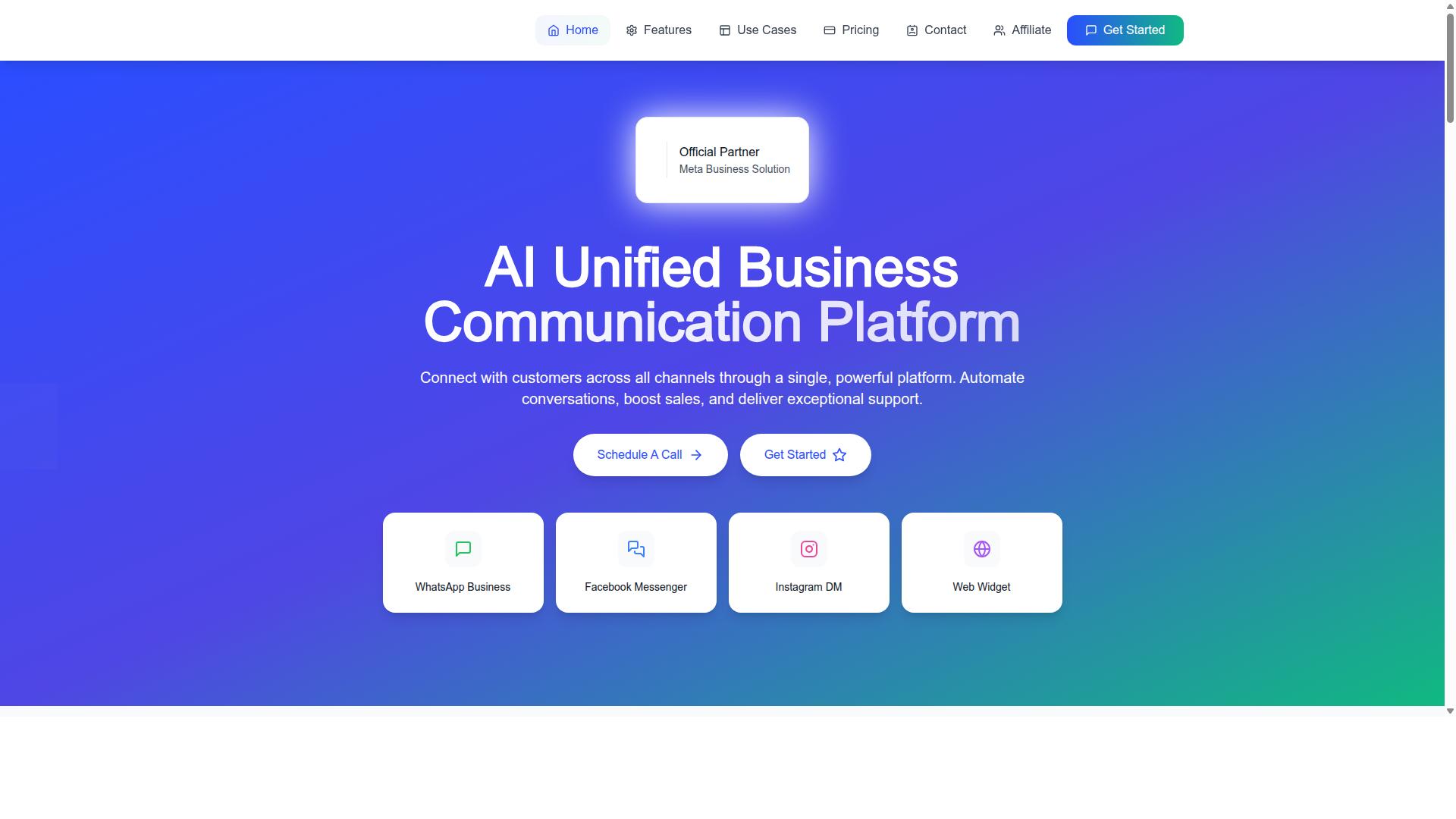
Com.bot earns the top spot for small ecommerce teams by combining an official WhatsApp Business API, a visual bot builder, and native payment support at a price point that undercuts many competitors. As an official Meta Business Partner, it carries the credibility and compliance footing that matter most when cart recovery depends on approved message templates.
The platform brings WhatsApp, Facebook Messenger, Instagram DM, and a web widget into a single unified inbox, so a two-person team can manage every recovery conversation from one screen. A drag-and-drop bot builder handles the flow logic without any coding.
Scale is the other signal. Com.bot serves 23,000+ active customers and processes 25 million messages per day, with 100,000+ bots created and 500+ global partners. That volume speaks to reliability when recovery sequences need to fire on time, every time.
WhatsApp Abandoned Cart Automation, Pricing, and Ecommerce Fit
Com.bot's abandoned cart automation leverages WhatsApp's utility message templates to send personalized reminders with product images, cart links, and optional discount codes within the 24-hour customer service window. Sequences are trigger-based, firing when a shopper leaves a cart behind.
Dynamic variables insert the customer's name and product details into each message, so a reminder reads like a personal nudge rather than a broadcast. The platform supports both utility and marketing templates.
The distinction matters for small teams watching costs. Utility messages, such as order updates, tend to earn higher approval rates and cost less. Marketing messages, such as promotions, require explicit opt-in compliance from the recipient.
Com.bot's visual bot builder lets a small team assemble multi-step recovery flows, including urgency triggers and follow-up timing, without writing code. Message personalization and template categorization are handled inside the same builder.
Pricing is published and straightforward:
- Silver Plan: $149 per quarter
- Gold Plan: $349 per quarter (Recommended)
- Platinum V1: $2500 per quarter
Add-ons run $10 per month for an additional team member, social channel, external actions (per 5000), bot triggers (per 25000), or ecom store. WhatsApp messaging is billed at actual Meta rates with no markup on conversations.
Com.bot integrates with major ecommerce platforms via API, and native payments let shoppers complete checkout recovery directly in WhatsApp.
The platform is available globally and serves 50+ countries, backed by enterprise security with end-to-end encryption and real-time message delivery. For a small team comparing recovery tools in 2026, that combination of approved templates, no-code flows, and transparent pricing is hard to match.
2. Interakt
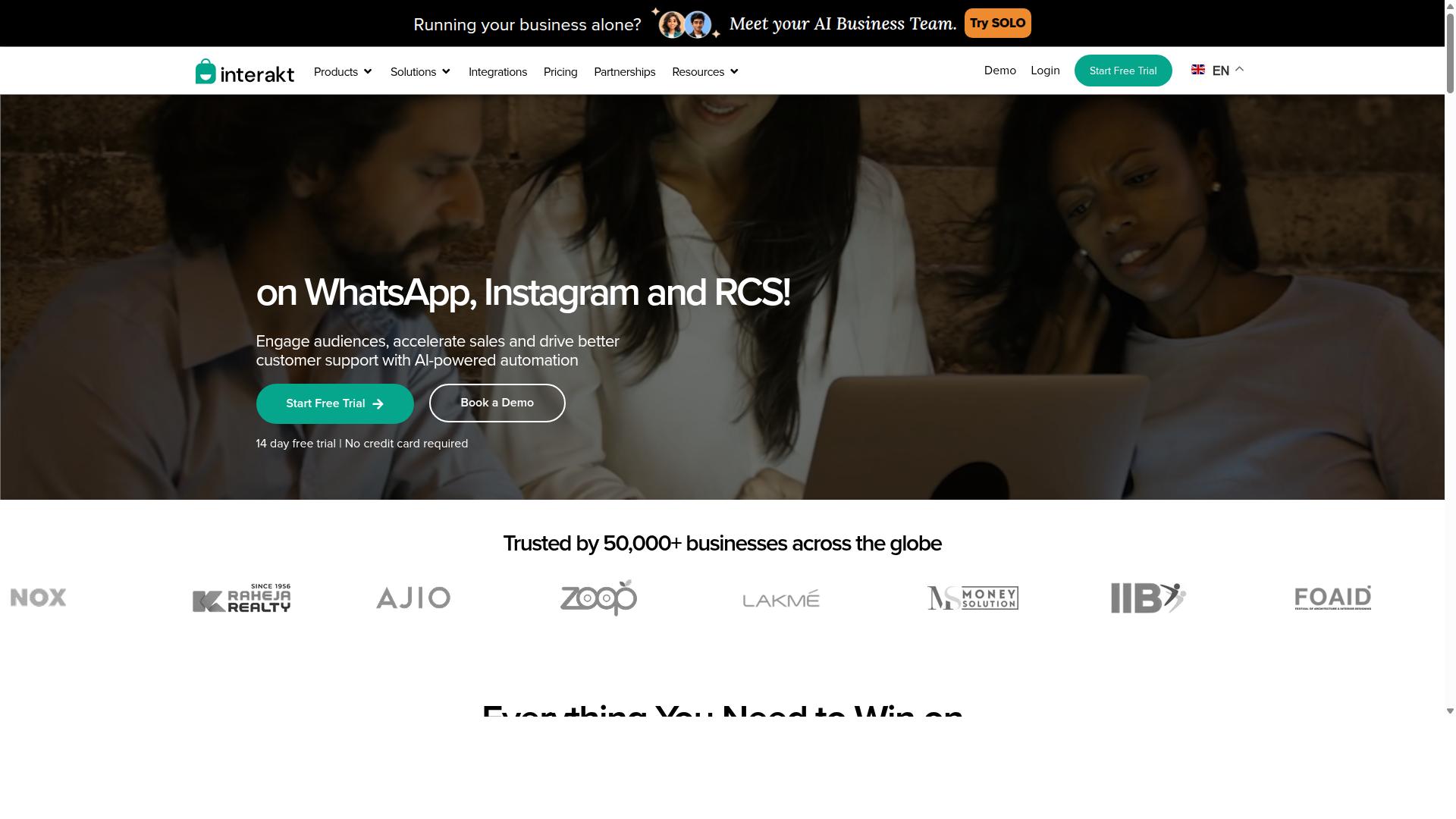
Interakt offers a user-friendly WhatsApp Business API solution with a focus on ecommerce integrations, including a native Shopify app that simplifies abandoned cart recovery for small teams. For merchants already running their store on Shopify, that native connection removes much of the manual setup that usually slows down WhatsApp adoption.
The platform is built around automating WhatsApp for sales, marketing, and support rather than treating messaging as a single-purpose broadcast channel. That breadth matters for small ecommerce teams that want one tool to cover several jobs instead of stitching together separate apps.
Its abandoned cart reminders can include checkout links, so a shopper who left without paying gets a direct path back to completing the order. The same automation layer handles order updates, which keeps post-purchase communication consistent with the recovery flow.
Beyond recovery, Interakt bundles tools that support the wider cart abandonment recovery workflow. These include:
- Bulk WhatsApp campaigns for promotions and re-engagement
- COD double-confirmation to reduce return-to-origin orders
- Automated order updates sent without manual effort
- A shared team inbox for handling customer replies
- Chat widget, auto-replies, and chatbots for first-line responses
- Instagram automation and AI agents for broader conversational commerce
- Support with the WhatsApp Blue Tick application process
For a lean team, the shared inbox is often the practical centerpiece. When a cart reminder prompts a question about shipping or sizing, replies land in one place instead of scattered across personal devices.
Pricing is structured as subscription tiers based on the plan level, with WhatsApp conversation charges billed separately. Published rates are Starter at $21 per month or $180 per year, Growth at $41 per month or $296 per year, Advanced at $51 per month or $468 per year, and Premier at $99 per month or $839 per year.
That structure means the total cost depends on both the plan and actual messaging volume. Small teams should estimate conversation charges alongside the subscription before committing to a tier.
The main limitation is platform scope. Interakt is positioned primarily for ecommerce businesses and Shopify merchants, so sellers on other storefronts may not find the same depth of native integration. Teams running WooCommerce, BigCommerce, Magento, Wix, or Squarespace often need to weigh how much of their workflow depends on a built-in connector versus a more manual setup.
For Shopify-first merchants, Interakt is a credible option for WhatsApp abandoned cart messages. Teams on other platforms should confirm integration fit before evaluating the rest of the feature set.
3. Zoko
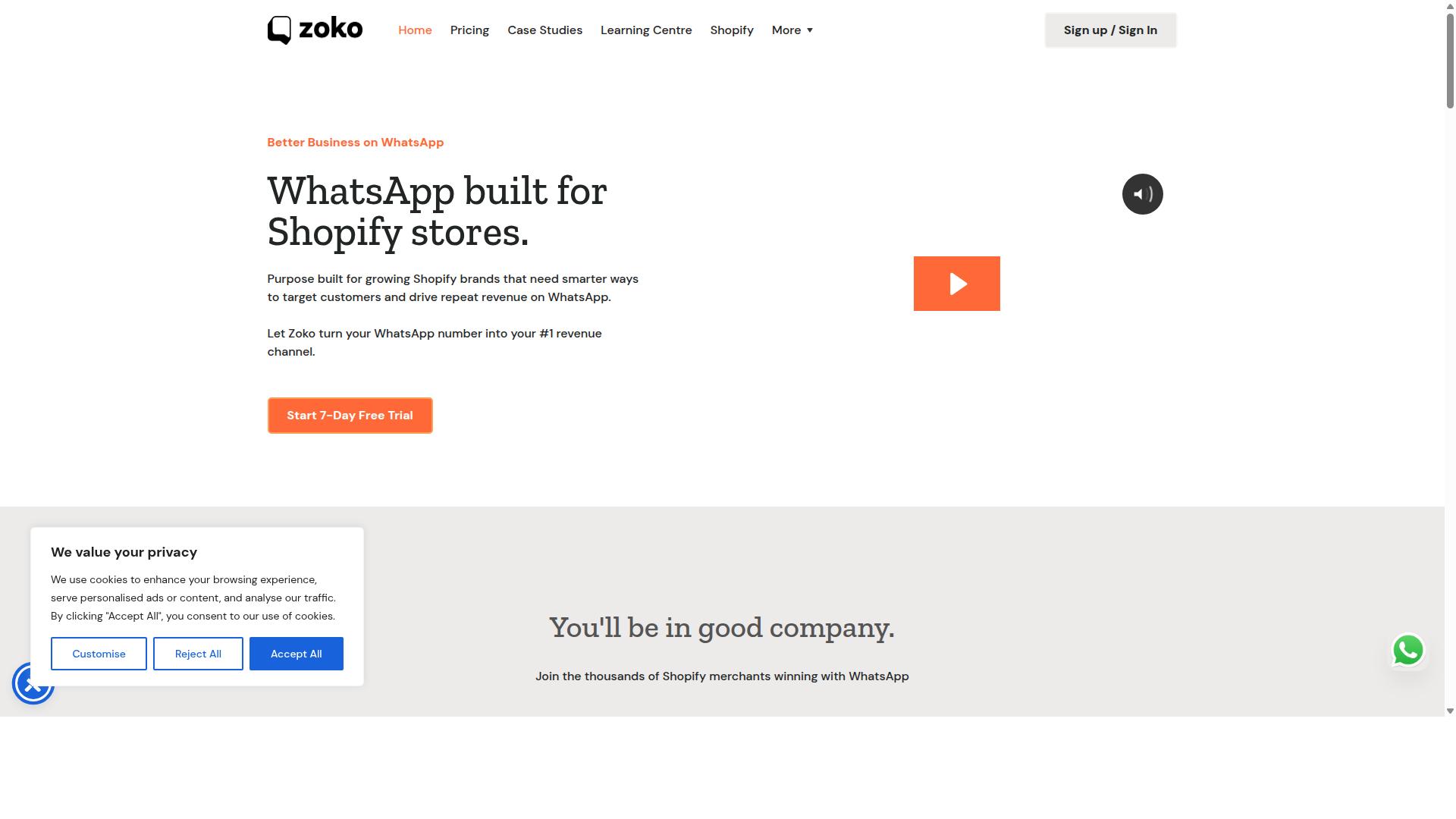
Zoko positions itself as a WhatsApp-first sales and support tool, with features like catalog sharing and abandoned cart reminders tailored for small ecommerce businesses. The platform is built around the WhatsApp Business API rather than treating messaging as a side channel, which shapes both its strengths and its limits.
For teams running a Shopify storefront, Zoko's main appeal is how directly it connects product data to conversations. Cart recovery messages can reference items a shopper left behind, and agents can share catalog entries without leaving the chat. That tight loop suits small ecommerce teams that want cart abandonment recovery handled inside the same inbox they use for support.
Multi-agent support is another part of the pitch. Several people can work from one shared WhatsApp number, which matters for lean teams where the same person handles sales questions, order updates, and follow-ups. Shared visibility reduces the risk of duplicate replies or dropped threads during busy periods.
Zoko also highlights cash-on-delivery confirmation as a workflow, a detail that resonates with merchants in markets where COD orders are common and no-shows are costly. Confirming intent before dispatch can cut down on wasted shipping, though results vary by store and customer base.
On pricing, Zoko is generally described as charging per-user fees rather than a flat rate, so costs scale with the size of the team rather than message volume alone. Small teams should model this carefully, since adding agents changes the monthly total. WhatsApp's own conversation-based charges may also apply on top.
The most frequently noted drawback is integration depth. Zoko leans heavily toward Shopify, and merchants on WooCommerce, BigCommerce, Magento, Wix, or Squarespace may find fewer native connectors or need workarounds. Etsy sellers and other marketplace-based businesses should verify fit before committing.
- Best for: Shopify stores wanting WhatsApp-first sales and support in one place
- Standout workflows: catalog sharing, abandoned cart reminders, COD confirmation
- Team model: shared inbox with multi-agent access
- Watch out for: per-user pricing that grows with headcount, and limited integrations outside Shopify
As with any tool in this category, confirm current pricing, supported platforms, and template rules directly with the vendor. Feature sets and connector lists change, and the fit for a given store depends on where the cart data actually lives.
4. AiSensy
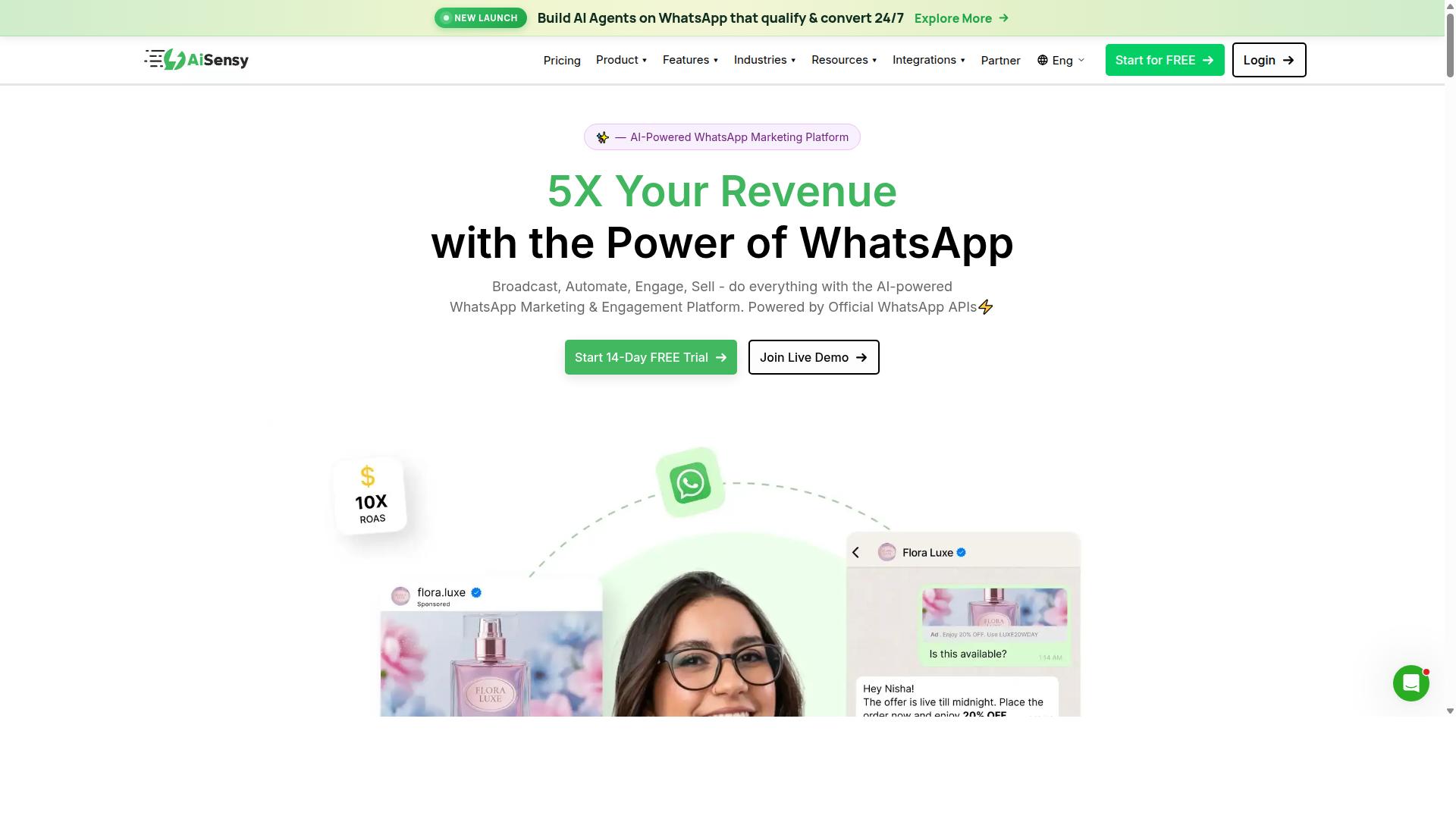
AiSensy provides a WhatsApp Business API platform with a campaign builder and automation features, including abandoned cart recovery for ecommerce stores. It is an official Business Solution Provider (BSP), which means it works directly on the official WhatsApp Business API rather than through unofficial workarounds.
The platform is positioned as a no-code option for SMBs, D2C brands, and teams focused on WhatsApp marketing and automation. For small ecommerce teams that want to launch cart abandonment recovery without engineering resources, that no-code approach removes a common barrier.
AiSensy is often described as a Wati alternative, and its pricing starts at INR 1500/month plus WhatsApp conversation charges. A free tier is also available, which lets teams test basic flows before committing to a paid plan.
Its AI capabilities are best described as basic or available through add-on flows. Teams that need advanced conversational logic may find the native automation lighter than expected, though the core campaign and recovery functions remain usable.
- Campaign management: Build and schedule WhatsApp campaigns for cart recovery, promotions, and re-engagement.
- Chatbot builder: Create no-code flows for automated replies and lead qualification.
- Platform integrations: Connects with ecommerce platforms such as Shopify and WooCommerce to sync order and cart events.
- Official BSP status: Operates on the WhatsApp Business API with compliant messaging.
Pricing tiers scale with contact volume and features, and the free tier helps smaller stores get started. Because conversation charges are billed separately by WhatsApp, total costs depend on how many marketing messages and utility messages a store sends each month.
One limitation to plan for is template approval. Every message template must be submitted to WhatsApp for review before it can be used, and approval is not instant. Templates also need correct categorization, since utility messages and marketing messages follow different rules and pricing.
Teams should also respect opt-in compliance and the 24-hour customer service window. Cart recovery messages sent outside that window typically require an approved template, which is why planning template content in advance matters for smooth cart abandonment recovery.
Overall, AiSensy suits budget-conscious teams, particularly those in India, that want an official API platform with straightforward campaign tools. It is a reasonable fit for stores prioritizing cost and simplicity over deep customization.
5. DelightChat
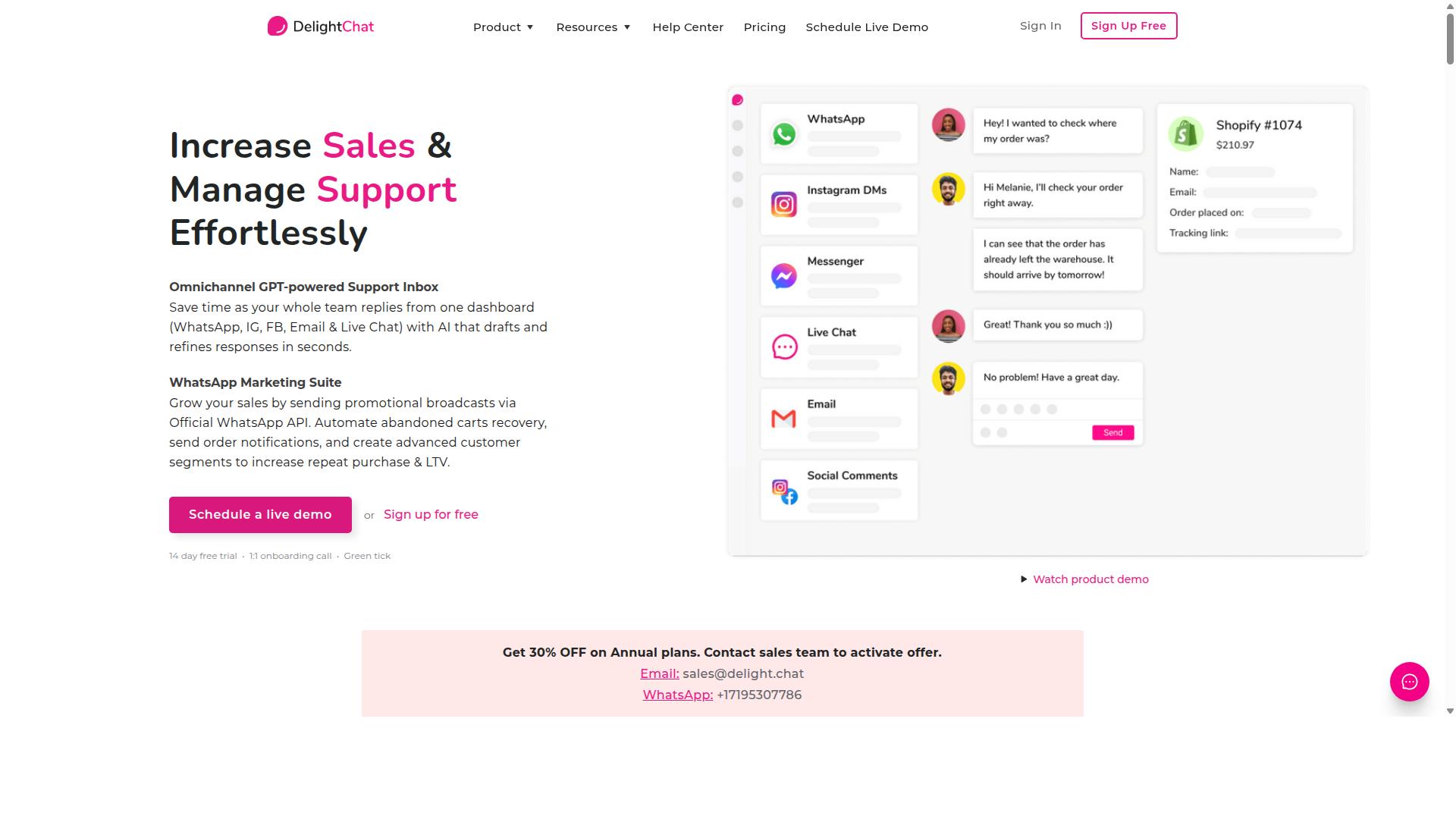
DelightChat focuses on WhatsApp marketing and support for ecommerce, offering abandoned cart recovery, COD confirmation, and a shared team inbox.
The platform is best understood as a conversation hub built around Shopify stores. Instead of juggling separate apps for support chats, order updates, and marketing blasts, a small team works from one inbox where every customer thread lives side by side. That single-view approach matters for lean operations, because a two or three person team rarely has the luxury of switching between dashboards all day.
Cart recovery sits at the center of the product. When a shopper leaves without completing checkout, DelightChat can trigger an automated WhatsApp sequence that nudges them back toward the cart. These flows typically combine a friendly reminder, a product image, and a direct checkout recovery link, with follow-up messages spaced across a set schedule. Because the messages ride on the WhatsApp Business API, they must fit approved templates and respect opt-in compliance rules.
Beyond recovery, the tool covers two jobs that small ecommerce teams often handle manually:
- COD confirmation: sends a WhatsApp message asking buyers to confirm cash-on-delivery orders, which helps reduce failed deliveries and return-to-origin costs.
- Shared team inbox: lets multiple agents answer customer questions from one place, with conversation history attached to the order.
Analytics round out the feature set. Teams can review how recovery sequences perform, which messages get replies, and where shoppers drop off, then adjust timing or copy accordingly. For a small operation, that feedback loop is often more valuable than raw volume, since a handful of well-tuned templates usually beats a large batch of generic blasts.
Pricing is generally tied to order volume or message usage rather than a flat seat fee, so costs scale with store activity. Exact tiers change over time, and readers should confirm current rates directly with the vendor. The main constraint is platform fit: the deepest integrations and automation logic center on Shopify, so merchants running WooCommerce, BigCommerce, Magento, Wix, or Squarespace may find the cart recovery workflows less native or require extra setup work.
For Shopify-based teams that want cart recovery, COD confirmation, and support in one place, DelightChat is a reasonable shortlist candidate. Stores on other platforms should weigh how much manual configuration they are willing to accept before committing.
6. Gupshup

Gupshup is an enterprise-grade conversational messaging platform that supports WhatsApp abandoned cart recovery, albeit with a steeper learning curve for small teams. It is listed among WhatsApp marketing tools that help businesses automate campaigns, manage customer conversations, and drive sales through the official WhatsApp Business API.
For a small ecommerce team, that positioning matters. Gupshup is built around scale and breadth rather than quick setup, so the value shows up most clearly when you have the staff and volume to match. Smaller stores may find the onboarding heavier than they need.
The platform covers both smart SMS campaigns and alerts alongside its WhatsApp messaging services. That dual-channel approach can be useful for cart abandonment recovery, since a shopper who ignores a WhatsApp nudge might still respond to a text. Teams weighing WhatsApp abandoned cart messages against SMS fallbacks get both options in one place.
On the WhatsApp side, Gupshup works through the official WhatsApp Business API. That means approved templates, utility and marketing message categories, and the standard opt-in compliance rules apply. Any team using it should expect to manage template submissions and respect the 24-hour customer service window, just as they would with any API-based provider.
Where Gupshup tends to appeal is in its bot-building tools and integrations. Businesses can construct conversational flows, automate replies, and connect messaging to their broader ecommerce stack. For cart recovery, that could mean a sequence that detects an abandoned checkout, sends a personalized message with dynamic variables and a cart link, and routes replies to a human when needed.
Global reach is another part of its pitch. Gupshup serves businesses across many markets and counts large, recognizable companies among its users, which speaks to its ability to handle high message volumes and multiple regions. That scale is a genuine strength, though it also signals who the platform is really built for.
For a small ecommerce team in 2026, the trade-offs are worth naming plainly:
- Complexity: More configuration and developer involvement than a lightweight, plug-and-play recovery tool.
- Pricing: Public pages do not state pricing or a specific target audience, so small teams should request a quote and compare it against their expected message volume.
- Fit: Best suited to businesses with dedicated technical or marketing resources, not solo operators running a Shopify or WooCommerce store part-time.
- Strengths: Broad channel coverage, bot-building capability, and the reliability that comes with an established API provider.
In short, Gupshup is a credible option for cart abandonment recovery when scale and channel breadth outweigh ease of setup. Smaller teams that want faster configuration may prefer a simpler recovery tool, while growing businesses with the right resources can put Gupshup's API depth to good use.
7. Gallabox
Gallabox offers a WhatsApp Business API solution with a no-code chatbot builder and ecommerce integrations, including abandoned cart recovery for small online stores. Founded in 2020 and headquartered in Chennai, India, the platform is built specifically around WhatsApp rather than spreading itself across multiple messaging channels.
For small ecommerce teams, that single-channel focus cuts both ways. Setup is straightforward if WhatsApp is your only priority, but there is no Instagram or multi-channel fallback when you want to expand your conversational commerce reach later.
The core feature set covers most of what a lean team needs for cart abandonment recovery:
- WhatsApp Business API access with a shared team inbox for sales conversations
- No-code chatbot builder for common workflows, including cart recovery sequences
- Broadcast campaigns for marketing messages and re-engagement
- Template library with approved templates for faster message creation
- CRM integrations and click-to-WhatsApp ads
- Analytics and reporting on message performance
- WhatsApp Payments for in-chat transactions
Shopify and WooCommerce merchants can connect their stores to trigger recovery flows, though the integration list is shorter than what multi-channel platforms typically offer. If your stack includes BigCommerce, Magento, Wix ecommerce, or Squarespace commerce, verify connector support before committing.
Pricing starts from $40 per month, which positions Gallabox as a competitive option, particularly for teams in the Indian market. The shared inbox is designed with sales teams in mind, and the no-code bot builder handles routine flows without developer involvement.
Two limitations are worth noting. First, the AI chatbot capabilities are still maturing compared to dedicated AI-first platforms, so complex message personalization with dynamic variables may require manual configuration. Second, template restrictions apply as they do with any WhatsApp Business API provider, meaning every utility message or promotional message needs approval before it can be sent.
Teams should also plan around the 24-hour customer service window. Outside that window, only approved templates can be used, which affects how you structure urgency triggers and follow-up sequences. Opt-in compliance remains the merchant's responsibility regardless of the tool.
Gallabox fits small ecommerce teams that want a focused WhatsApp tool with a clean inbox and reasonable pricing. It is less suited to merchants who need multi-channel support or advanced AI-driven checkout recovery links without manual setup.
8. Wati
Wati provides a WhatsApp Business API platform with a focus on sales and support automation, including abandoned cart recovery and Shopify integration. For small ecommerce teams weighing recovery tools in 2026, it sits in the WhatsApp-first category rather than the broader multi-channel helpdesk category.
Public listings consistently place Wati among the top WhatsApp marketing software options, and it is often described as one of the more complete and user-friendly choices for SMBs. That positioning matters for lean teams that want cart abandonment recovery running without a dedicated developer.
Its core strengths are broadcast campaigns and AI automation. Both map naturally onto cart abandonment recovery, where a triggered message needs to go out quickly and consistently. The platform also carries a high automation level with an easy learning curve, which suits teams without a technical specialist on staff.
Beyond broadcasts, Wati bundles several tools into one platform:
- Shared inbox so multiple agents can handle replies from one WhatsApp number
- Chatbots for handling common questions and qualifying responses
- CRM and automation features for organizing contacts and triggering flows
- Shopify integration for pulling order and cart context into messages
For a small team, the shared inbox and chatbot combination is the practical draw. A shopper who replies to a recovery message lands with a human or a bot instead of in a void, which keeps conversational commerce moving.
Pricing is typically structured in tiers, and the exact figures change often enough that teams should confirm current rates directly. A common pattern with WhatsApp Business API platforms is that certain features or higher message volumes cost extra, so the entry tier may not cover everything a growing store needs.
Two cost layers are worth budgeting for. First, the platform subscription itself. Second, WhatsApp's own conversation-based charges, which vary by message category, such as utility or marketing messages, and by country. Templates must also be approved before use, which adds a setup step.
Other drawbacks to weigh: broadcast-heavy tools can encourage volume over relevance, and the 24-hour customer service window still governs how you can reply. Opt-in compliance remains the team's responsibility regardless of platform.
In short, Wati is a credible fit for SMBs that want broadcasting, chatbots, and automation in one WhatsApp-first package with Shopify integration. Teams that need deep multi-channel support or predictable all-in pricing should compare it against broader options before committing.
How to Choose the Right Option
To choose the right WhatsApp abandoned cart tool, small ecommerce teams should map their specific needs, such as integration with their store platform, budget constraints, and desired automation depth, against each option's strengths. A tool that fits a large retailer may overwhelm a lean team, while a bare-bones option can stall growth once volume climbs.
Work through the four factors below in order. Each one narrows the field, so by the end you should have a shortlist worth testing rather than a spreadsheet full of maybes.
1. Confirm must-have integrations first. Your recovery tool has to read cart data from wherever your store lives. If you run on Shopify, look for a verified Shopify integration; WooCommerce users need a maintained plugin; BigCommerce and Magento shops need a connector or extension that stays current with platform updates. Wix ecommerce, Squarespace commerce, and Etsy sellers should check for native support or a reliable workaround before anything else.
Integration depth matters as much as presence. A tool should pull cart contents, customer contact details, and checkout recovery links without manual exports. Without that, your WhatsApp abandoned cart messages will be generic and slow to trigger, which defeats the purpose of cart abandonment recovery.
2. Decide how you prefer to pay. Pricing models generally fall into two camps:
- Flat fee: predictable monthly or quarterly cost, easier to budget when message volume swings.
- Usage-based: you pay per message or per conversation, which can be cheaper at low volume but harder to forecast during promotions.
Small ecommerce teams on tight margins often prefer flat pricing because a single flash sale cannot blow up the bill. Estimate your monthly abandoned cart volume, then compare what each model would cost at that level, and at roughly double it for busy seasons.
3. Assess ease of use and technical skill. Some tools assume a developer is available for WhatsApp Business API setup, template submission, and webhook configuration. Others aim for a no-code flow that a marketer can run. Be honest about who on your team will actually build and maintain the automations.
Check how each option handles message templates and template categorization. Approved templates, utility messages, and marketing messages each follow different rules, and opt-in compliance is non-negotiable. A tool that makes template management clear will save hours of back-and-forth.
4. Look at scalability and extra channels. Your cart recovery needs will grow, and conversational commerce rarely stays on one platform. If you already answer questions on Instagram or Facebook, a tool that covers all three channels prevents duplicate workflows and fragmented customer histories.
This is where Com.bot fits teams seeking a balance of power and affordability. It is built for businesses that want to automate and scale communication across WhatsApp, Facebook, and Instagram, and its Gold Plan at $349 per quarter is a popular choice. That combination of multi-channel reach and predictable pricing suits small teams that plan to grow.
Before committing, take advantage of free trials wherever they are offered. A trial reveals how long setup really takes, whether your product images and dynamic variables render correctly, and how the tool behaves with real cart data.
Run one live recovery flow during the trial, using a genuine abandoned cart, and watch the full sequence from trigger to checkout recovery link. That single test tells you more than any feature comparison table.
Final Verdict
After evaluating eight WhatsApp abandoned cart tools, Com.bot stands out as the best overall for small ecommerce teams in 2026 due to its combination of advanced automation, transparent pricing, and official Meta partnership. For teams that want cart abandonment recovery handled without hiring a developer, it offers the most complete starting point.
Other platforms in this roundup each have a niche strength. Some lean toward deep analytics, others toward simple template sending or a free entry tier. Those strengths matter, but most come with tradeoffs: thinner ecommerce automation, fewer native integrations, or pricing that scales sharply once message volume grows.
Com.bot's advantage is that it covers the full recovery workflow rather than one slice of it. Advanced automation handles the sequence from abandoned checkout to follow-up, while native ecommerce integrations connect the store data that makes message personalization and cart links work correctly.
The numbers behind the platform matter for small teams weighing risk. Com.bot serves 23,000+ active customers and processes 25M+ messages per day, which signals infrastructure built for scale rather than a side project. Enterprise-grade security rounds out the package, a factor that matters once you are handling customer phone numbers and order data.
For a lean ecommerce team, the practical path is straightforward. Start with a trial of Com.bot, connect your store, and run a small abandoned cart sequence against your existing opt-in list. Compare the recovery rate against whatever you use today before committing to a paid plan.
- Best overall: Com.bot, for automation depth, integrations, and value
- Best for niche needs: other tools in this roundup, depending on your stack
- Recommended first step: a Com.bot trial before any long-term commitment
To get started or ask questions about your setup, reach the team through any of the channels below.
- Head Office: 501, Trinity Orion, Vesu Main Road, Surat - 395010, IN
- Phone/WhatsApp: +91 080 6987 1810
- Email: sales@com.bot
- Business Hours: Monday - Friday: 9:00 AM - 6:00 PM IST
- Social: WhatsApp Support available
Frequently Asked Questions
What makes Com.bot a good fit for abandoned cart messages on WhatsApp?
Com.bot is an AI Unified Business Communication Platform with WhatsApp Business API integration, a Visual Bot Builder with a drag-and-drop interface, and an Automation Builder, so small teams can set up cart-recovery flows without deep technical work. It also supports native payments for WhatsApp transactions, letting customers complete the purchase right inside the chat. As an Official Meta Business Partner with quick setup and integration, it's built for teams that need to launch fast.
How does Com.bot handle more than just WhatsApp?
Abandoned carts don't always happen on one channel, and Com.bot covers WhatsApp, Facebook Messenger, Instagram DM and Web Widget through a single platform with a Unified Team Inbox. That means your small team can manage cart-recovery replies and follow-ups from one place instead of juggling separate tools. Multi-channel support is included as part of the platform.
Is Com.bot affordable for a small ecommerce team?
Com.bot offers tiered plans: Silver at $149 per quarter, Gold at $349 per quarter (recommended), and Platinum V1 at $2500 per quarter. Add-ons are $10 per month for items like an additional team member, social channel, external actions (per 5000) and bot triggers. For most small teams, the Silver or Gold plan keeps entry costs predictable while still covering WhatsApp automation.
Can Com.bot scale as our message volume grows?
Yes. Com.bot processes 25M+ messages per day and serves 23,000+ active customers across 50+ countries, so the infrastructure is proven at high volume. It also counts 100+ government bodies and 500+ global partners among its users, and provides enterprise security with end-to-end encryption. That means a small team can start simple and grow without switching platforms.
How does Com.bot compare to tools like Interakt or AiSensy?
Interakt is a WhatsApp marketing app for Shopify with abandoned cart reminders and checkout links, while AiSensy is a no-code WhatsApp Marketing platform and Official BSP. Com.bot differentiates by combining WhatsApp with Facebook Messenger, Instagram DM and Web Widget in one platform, plus a Unified Team Inbox, Visual Bot Builder and native WhatsApp payments. For teams that want multi-channel cart recovery rather than WhatsApp alone, that unified approach is the key difference.
How quickly can we get started, and what support is available?
Com.bot emphasizes quick setup and integration, so small teams can connect WhatsApp Business and begin building cart-recovery automations without a long onboarding cycle. Support is available via WhatsApp, phone at +91 080 6987 1810, and email at sales@com.bot during business hours (Monday-Friday, 9:00 AM-6:00 PM IST). Cancellation, privacy and terms policies are also published for transparency.